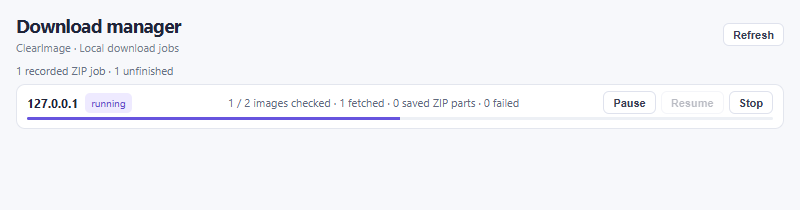
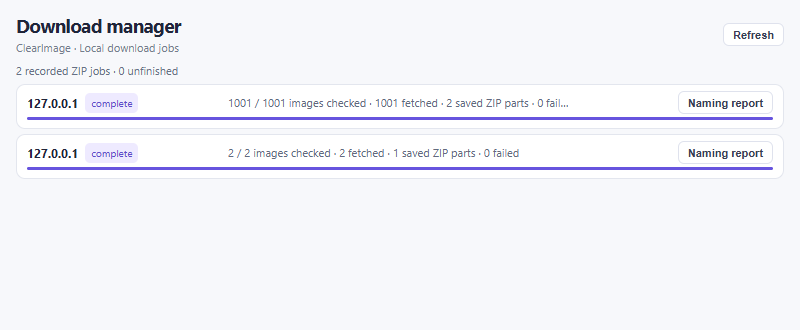
Step 01
Install, pin and allow access
Once available, install ClearImage Batch Downloader from its official Chrome Web Store listing. Review Chrome’s installation prompt. In Chrome’s Extensions menu (the puzzle icon), pin ClearImage to your toolbar.
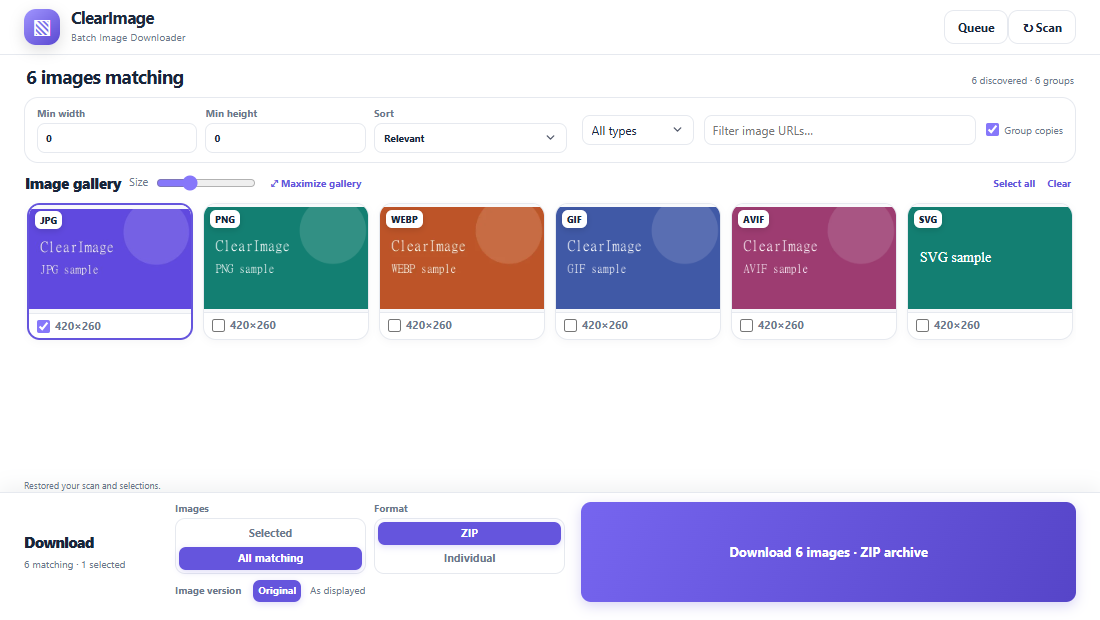
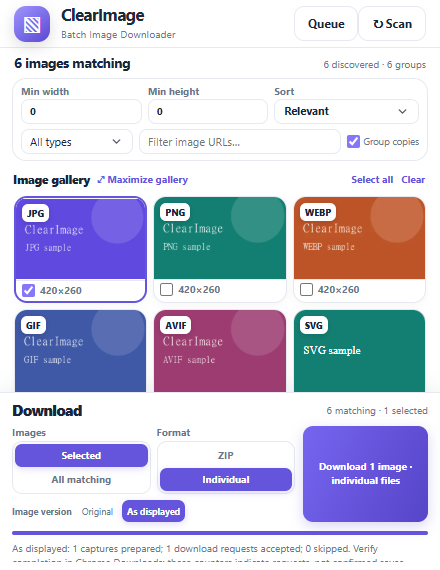
Open a normal HTTP or HTTPS webpage, then click the ClearImage toolbar icon. The extension scans automatically on first opening; ↻ Scan refreshes it. Chrome’s internal pages, the Web Store, local files and other restricted pages cannot be scanned by this version.
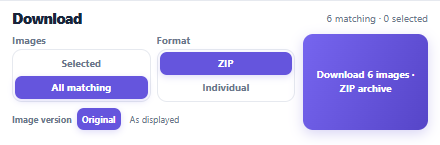
Permissions: activeTab and scripting read the page you invoke it on; downloads saves files; storage retains scans and jobs; offscreen prepares Original downloads and builds ZIPs. When starting Original Individual or ZIP downloads, Chrome may request access to the selected HTTPS image-host origins, which can differ from the webpage host. HTTP source webpages remain supported, but HTTP image retrieval and insecure redirects are blocked. Grant only access you trust. Manage or revoke it in Chrome’s extension details. The screenshot shows the extension after access, not Chrome’s install or permission dialog.
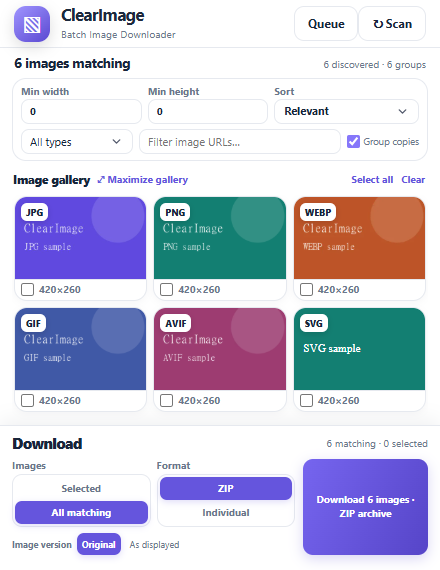 Open full-size screenshot
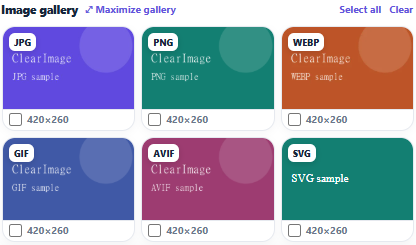
Actual v1.4.7 compact view. Queue opens the ZIP manager; Scan reads the current page.